Varundus
 Iga arvuti läheb ükskord katki. Küsimus on vaid selles, millal see juhtub? Ükskõik, kas see juhtub homme, järgmisel kuul või viie aasta pärast, selleks peab valmis olema. On sul varukoopiad isiklikest failidest, fotodest ja muusikast juba olemas?
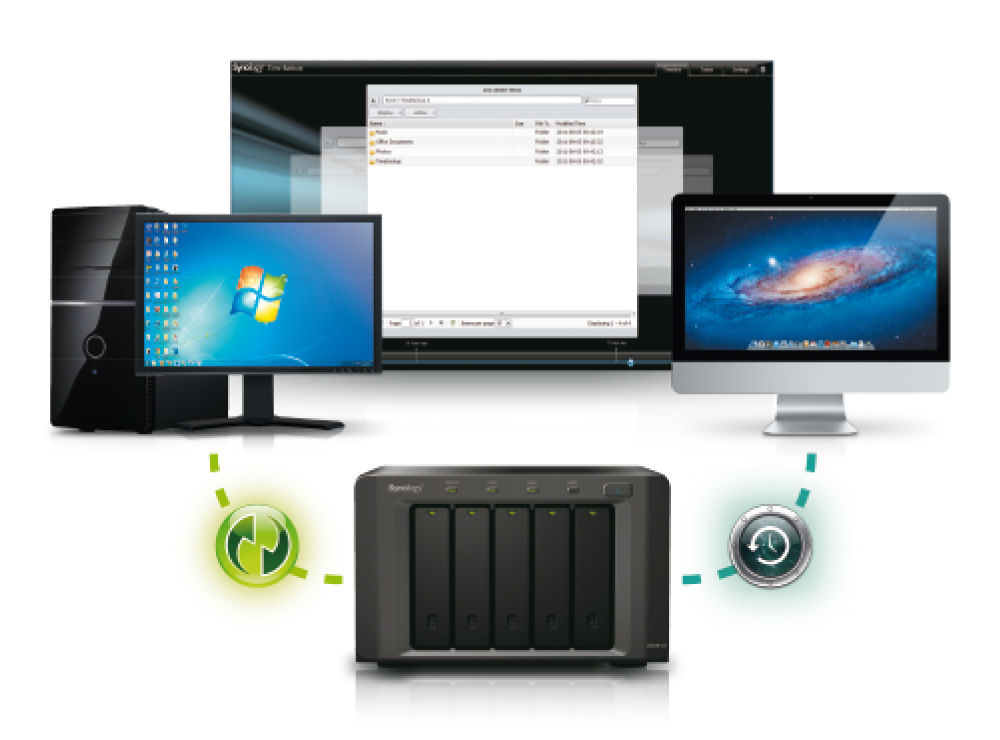
SCALEWIRELESS on välja töötanud lahenduse, mis põhineb Synology DiskStationil ja pakub võimalusi andmete salvestamiseks ning jagamiseks Windowsi, Maci ning Linuxi klientidega.
Windowsi kasutajatele
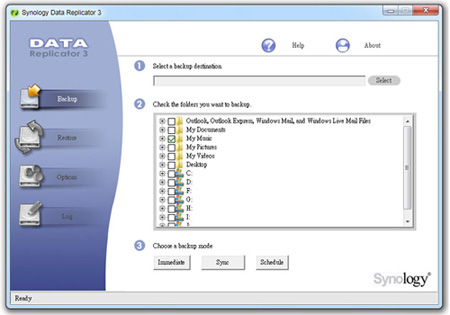
DSM pakub Windowsi kasutajatele tasuta rakendust Synology Data Replicator 3 – andmete, Outlooki ja Outlook Expressi e-kirjade varundamiseks Synology DiskStationisse. Kasutaja võib varundusplaane seadistada kolme varundusrežiimi abil: kohene, sünkroniseeritav ja ajastatav varundus.
Maci kasutajatele
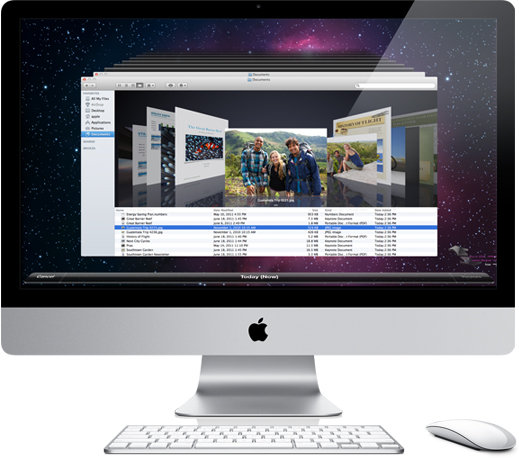
Synology DiskStation toetab Mac OS-i, seega saavad Maci kasutajad DSM-i kasutades tuttava Time Machine´i kogemuse. DSM-i uuendatud tugi NetaTalk 2.2-le tagab ühilduvuse Time Machine´iga. Kasutajal on vaja vaid lubada Time Machine´i teenus ning DiskStation muutub Mac OS X kasutajatele pakutavates valikutes üheks varunduse sihtkohaks.
Serverivarundus
Synology DiskStationiga saab varundada andmed kohalikule välisele kõvakettale või üle võrgu teise DiskStationisse. Konfiguratsiooni koopia lubab Control Paneli ehk juhtpaneeli seadeid varundada ning hiljem seadeid valikuliselt taastada. Nii saab näiteks seaded lihtsalt üle kanda teisele serverile ja teha nii seal kiiresti uue seadistuse.
Avariitaaste jaoks sünkroniseerib Shared Folder Sync-i nimeline teenus kataloogi ühes DiskStationis teise Diskstationiga server-klient mehhanismi abil. Seega kui süsteem jookseb kokku, saab avariieelse olukorra taastada ilma ajalise viiteta.

