Failijagamine
 Tänase ja tuleviku koduses arvutivõrgus põhiküsimusi on, kuidas turvaliselt andmeid salvestada ja neile arvutite, nutitelefonide või muude seadmetega ligi pääseda. SCALEWIRELESS-il on selle jaoks välja töötatud Synology personaalsel pilvesüsteemil põhinev lahendus.
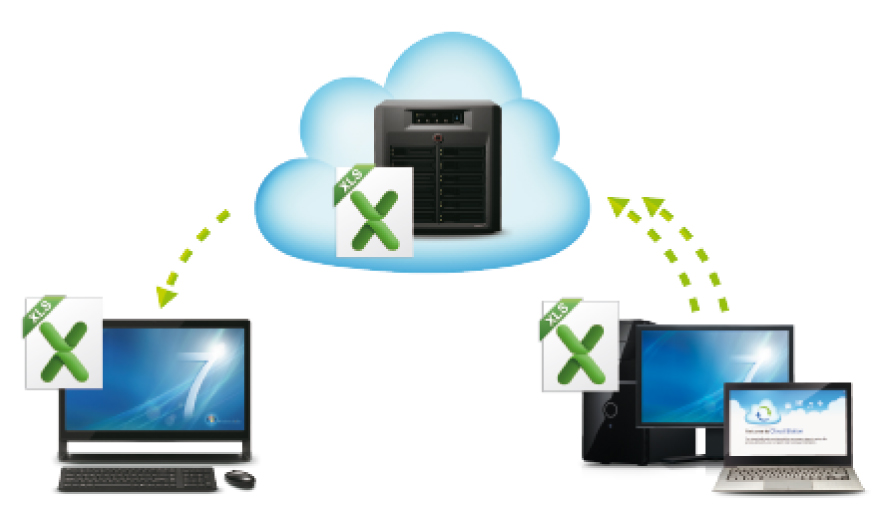
Faile saab jagada Windowsi, Maci ja Linuxi platvormidel. Kasutada võib võrgukatalooge, veebipõhist File Stationit või FTP-d, et jagada oma asju üle võrgu. Cloud Stationis salvestatud failide muudatused sünkroniseeritakse automaatselt ja saadetakse kõikidesse kättesaadavatesse sünkroniseeritavatesse arvutitesse.
Cloud Station – sinu personaalne pilveteenus
Automaatne sünkroniseerimine
Oled sa kodus või reisil, kõik failid on alati sinuga. Cloud Station hoolitseb ise taustal selle eest, et kõik failid oleksid alati uuendatud ja eri seadmete vahel sünkroonitud. Cloud Stationi kataloog võib muidu välja paista nagu iga teine kataloog, kuid on tegelikult privaatne pilveteenus, mis alati sisu uuendab. Cloud Station saadab failid, muusikapalad ja fotod kõikidesse tööarvutitesse ja sünkroniseerib automaatselt kõikjale nende värskeimad versioonid.
Kui võrguühendust pole
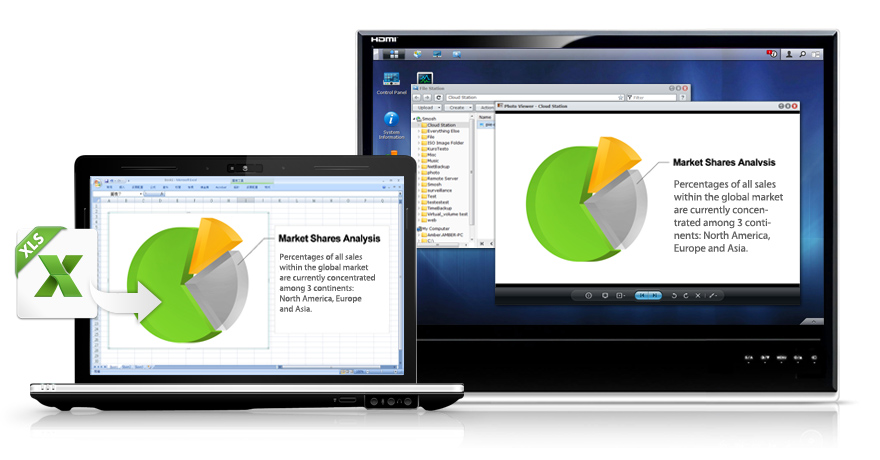
Oma faile saab vaadata ja redigeerida alati, isegi kui pole Internetiühendust. Redigeerida on võimalik tabeleid, luua uusi dokumente, laadida üles fotosid – kõike seda saab teha ka võrguühenduseta kataloogis. Niipea, kui Internetiühendus taastub, sünkroniseeritakse kõik muudatused Cloud Stationiga. Nii on sinu failid alati kättesaadavad igas olukorras.
Mitmekesine failijagamisplatvorm
Synology DSM-iga on võimalik kasutada väga erinevaid failidele ligipääsu võimalusi. File Stationiga võib lihtsalt navigeerida kataloogides ja arvutist DiskStationisse faile üles laadida või siis luua oma lemmikkatalooge. Andmeid saab teistega jagada ka turvaliselt üle privaatse veebilingi. Mobiilirakendusega “DS file” pääseb failidele ligi nutitelefonist. DMS on varustatud täieliku võrguprotokollide toega failijagamiseks Windowsi, Maci ja Linuxi klientidega. Mugavaks ligipääsuks on toetatud ka FTP ja WebDAV.
Turvaline failiedastus
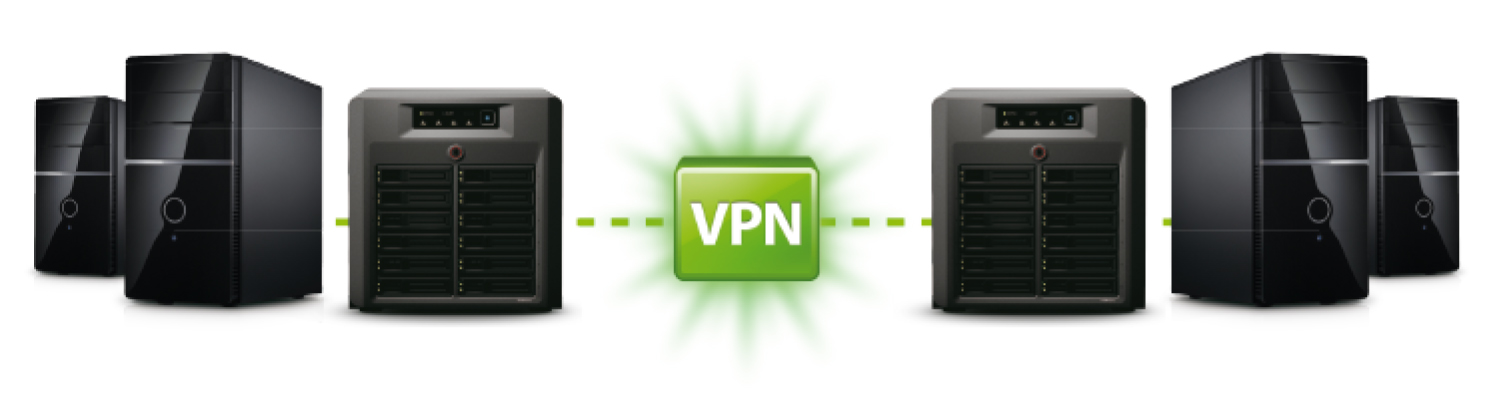
DiskStation pakub andmeedastuseks kõrget turvalisust HTTPS-i ja sFTP-ga. Lisaks saab kasutada ka lihtsalt seadistatavat VPN-i turvakanalit, mis on Synology DiskStationiga kasutamiseks täiesti tasuta. DiskStation on kasutatav nii VPN-kliendi kui VPN-serverina.